

Create an agent for a subject your team asks about regularly, such as revenue or customer success. Its data scope and business knowledge help the Analyst answer those questions consistently.

Before you begin

You need access to Agents, permission to create an agent, and at least one active data source. Gather important metric definitions, exclusions, and example questions with known answers.

1. Create the agent

Open Agents → New Agent. Enter an Agent Name, choose its look, select Data Source Access, and review User Access.
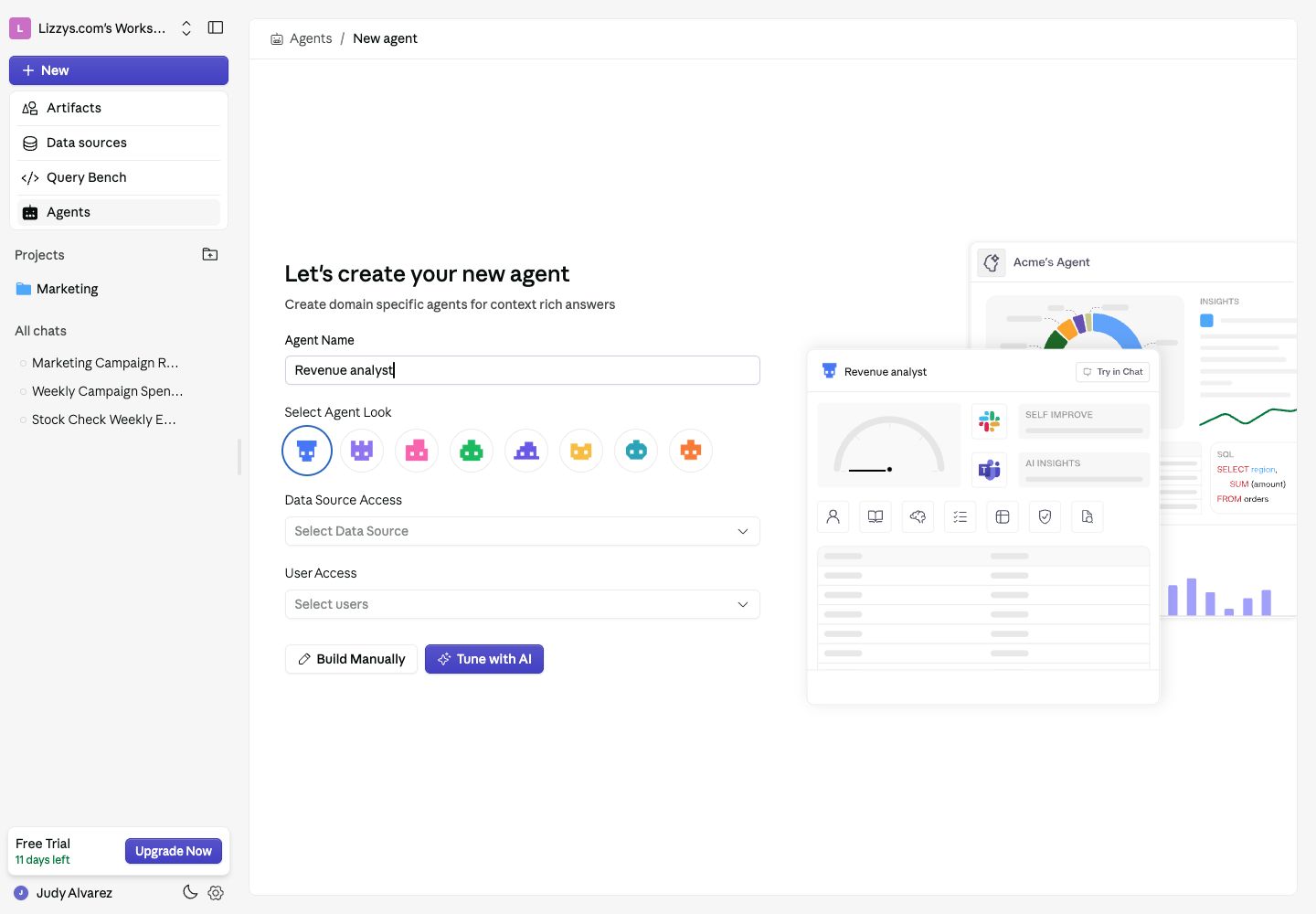
New Agent form with a Revenue analyst name, data source access, user access, and setup choices

Choose the agent's data sources and audience before configuring its knowledge.

Choose Tune with AI for guided setup, or Build Manually to configure the agent yourself.

2. Explain your business

In Who am I, describe the agent’s purpose and the business context it needs. Use Table Configuration for table meanings and known gotchas. Upload reference documents to Knowledge Base. Be specific. “Revenue excludes cancelled orders and uses the order date” is more useful than “Give accurate revenue answers.” Confirm that this definition matches your business before using it.

3. Add rules and examples

Use Rules for instructions the agent should follow consistently. Add Verified Queries for important questions whose answers you have checked. Keep source permissions limited to the data relevant to the agent’s purpose.

4. Test the agent

Choose Try in Chat and ask a small set of questions with known answers. Include a follow-up and a question with an ambiguous definition. Check both the result and the explanation. Run an Evaluation when configured, inspect the issues, and correct the underlying definitions or examples before testing again.

5. Make it available

Review User Access so the intended teammates can select the agent in the Analyst. If someone cannot use it, check their workspace feature access and the agent’s access list.

Expected result

Your teammates can select the agent, and its answers use the intended data scope and definitions. Keep reviewing feedback and retained memory as your data changes.

Next steps

Use the agent reference for each configuration area, or connect MCP tools for access to an external service.
Last modified on October 2, 2026