

Before you begin
You need permission to invite members, normally an Admin or Owner role. Have their work email addresses ready. Review the billing information shown in the invitation or role-change form before confirming.1. Open the invitation form
Choose Settings → Team Members → Invite Members.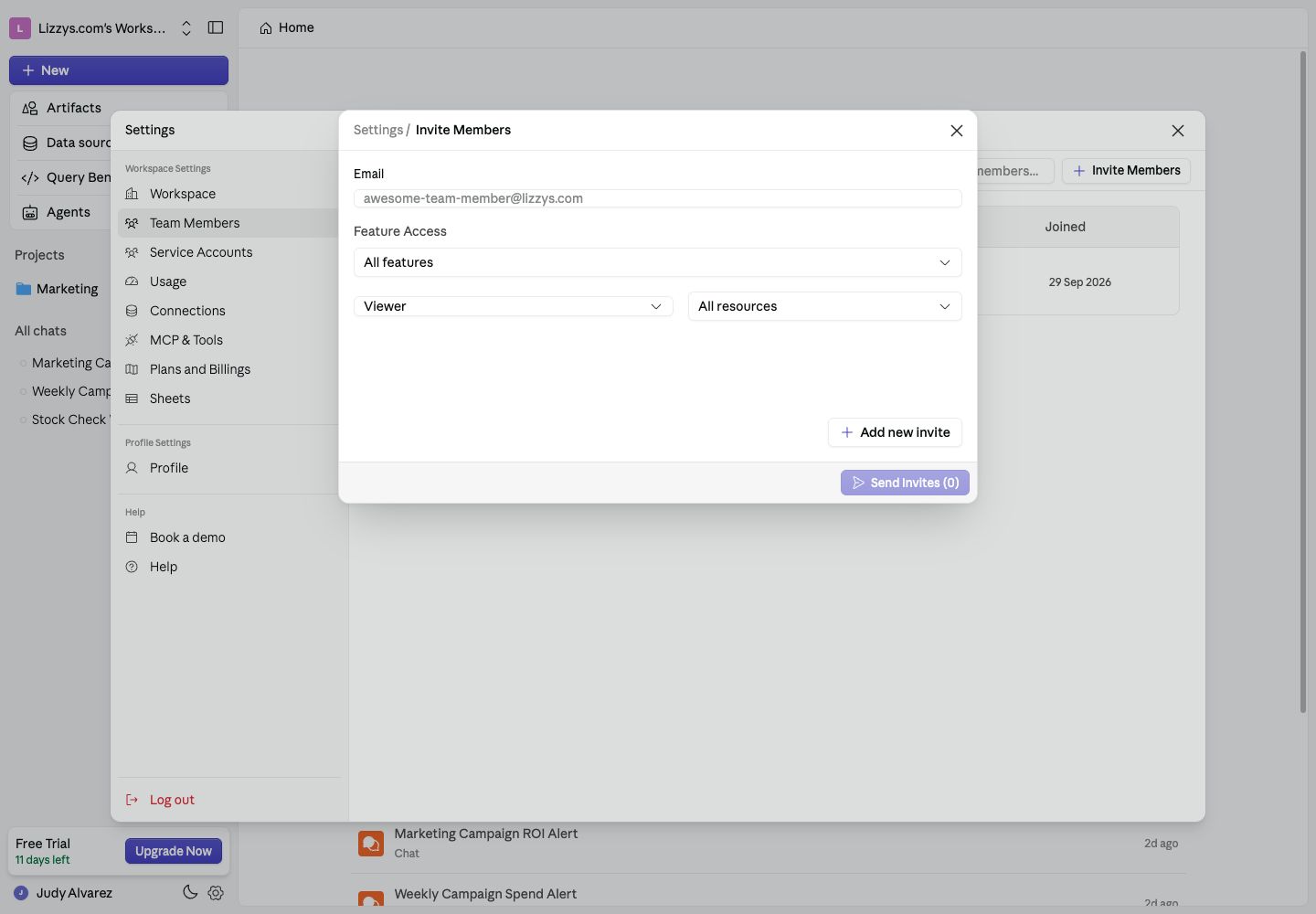
An invitation sets a workspace role, feature access, and data source access.
2. Set the right access
Enter each person’s email and choose:
Use Add new invite for another person. Review all rows and the displayed seat impact, then choose Send Invites.