

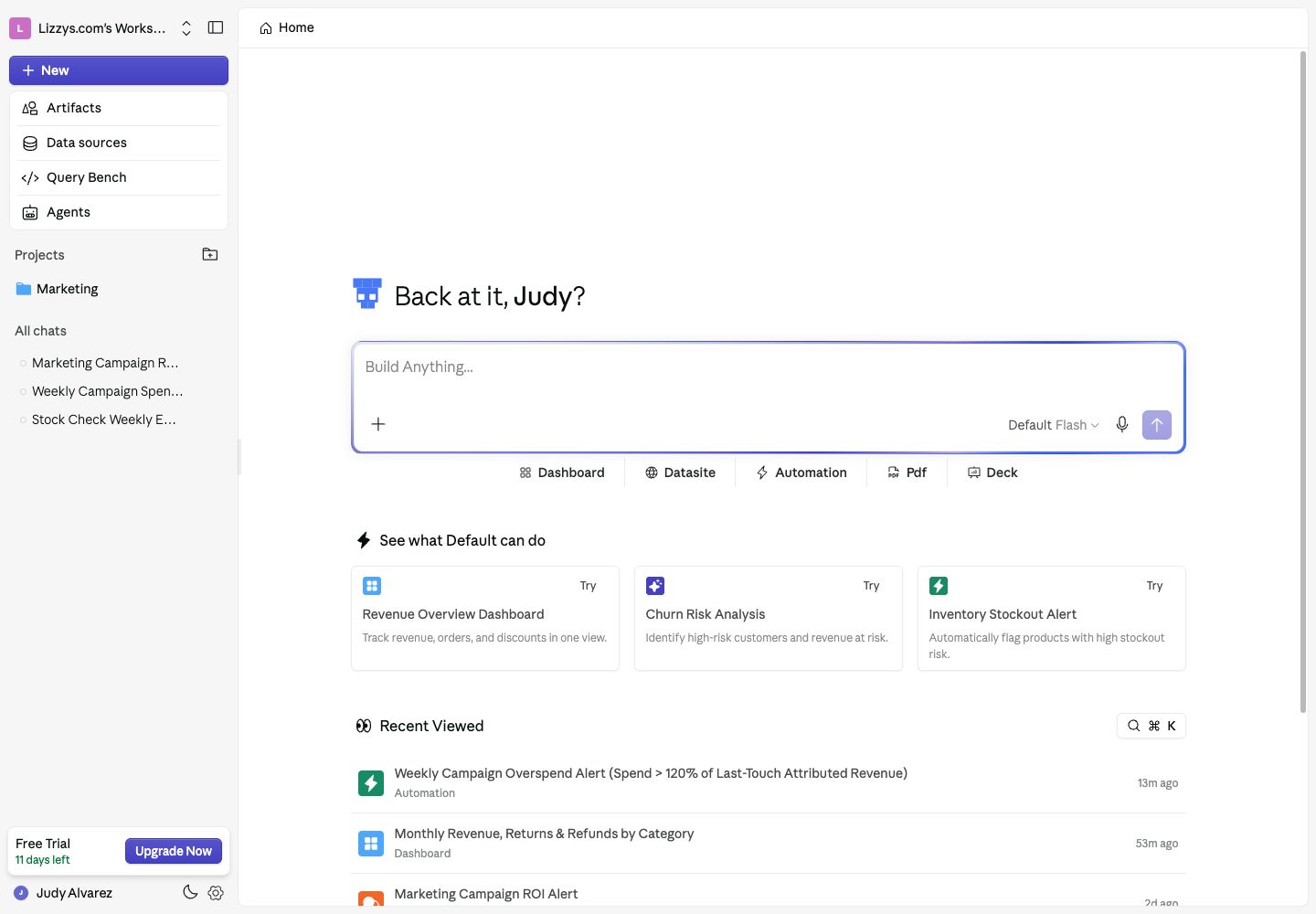
Start on Home: choose an agent and mode, add context, and ask your question.
Before you begin
You need workspace and agent access. To ask about live business data, that agent needs the relevant data sources. Your permissions determine which actions are available.Open the Analyst
Start on Home, or click New in the sidebar. If you start from a project, the new chat belongs to that project.The empty state
The message box says Build Anything…. Ask a question directly or use a Dashboard, Datasite, Automation, Pdf, or Deck shortcut. These fill in a starting prompt for you to complete; they do not send it immediately.Asking a Question
Choose an agent, type your question, and send it. Include the period, metric, and comparison you need: “Compare completed orders this month with last month and explain the biggest changes by region.”Choosing an agent
Open the agent picker in the message box. Select the agent whose data scope and knowledge fit the question. You can change agents during a conversation; your selected agent and mode are remembered for the session.Query modes
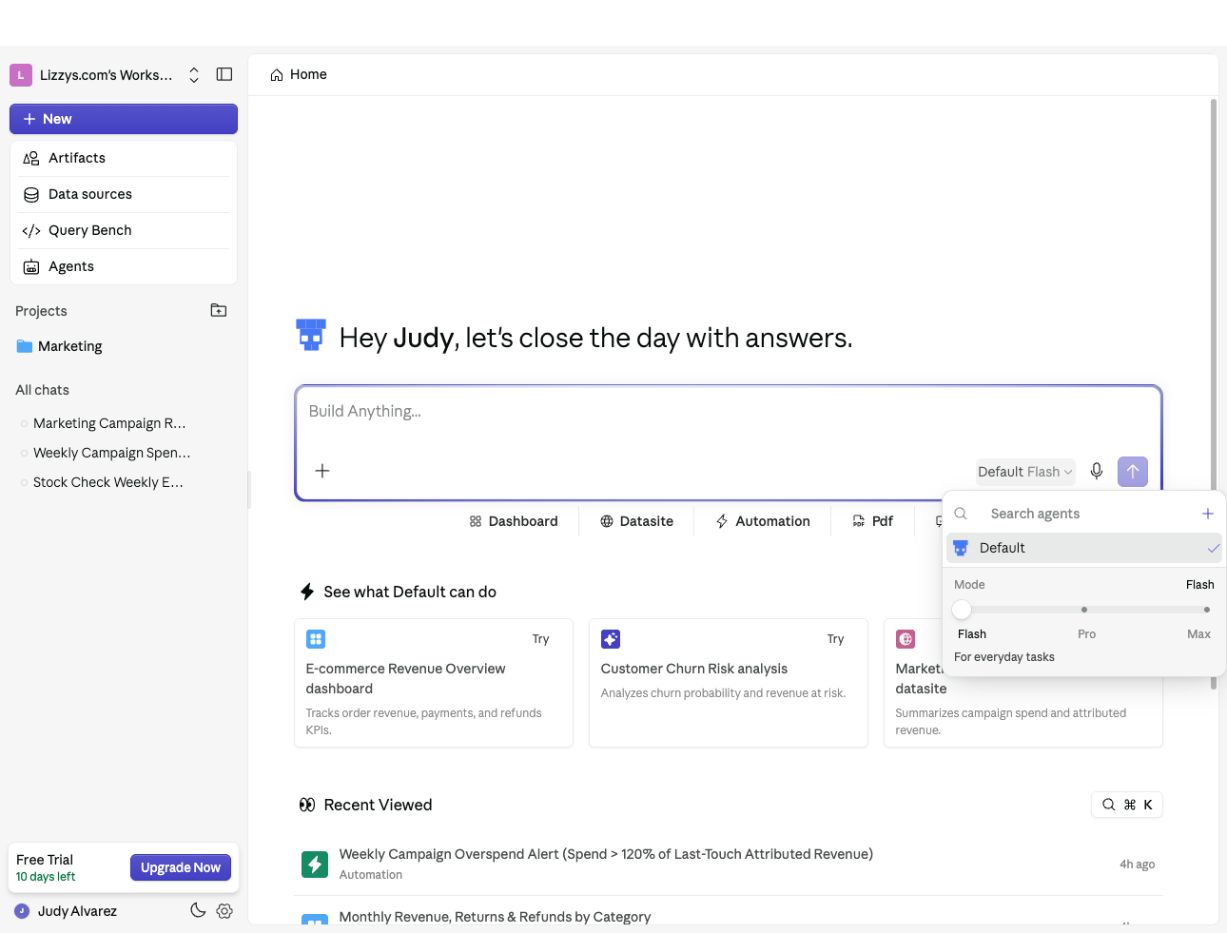
Open the agent and mode picker to choose Flash, Pro, or Max for your question.
Older guides use Concise and Deep Dive for the first two modes. The current picker shows Flash, Pro, and Max. Tell the Analyst if you want a short answer or a detailed explanation.