

Before you begin
Your workspace role determines which settings you can see. Billing is managed by the workspace owner. Ask the owner if you need a plan change or access to billing information.1. Review activity
Open Settings → Usage → Usage. Select a date range and, if needed, a user. Review the activity cards, prompt usage chart, and activity by user. Prompt history and its CSV export are shown only to people with the required permission.2. Check plan limits
Switch to Limits. Read the plan allowance as a percentage and check its reset time. Use the display to understand how much of your included allowance is still available. The current Limits screen labels its progress bar as % used.3. Review extra credits
When the extra credits card is available, it shows the remaining balance in dollars and any displayed expiry. Buy Credits opens the purchase flow. Auto-reload, when available, controls automatic top-ups; review its details before enabling it.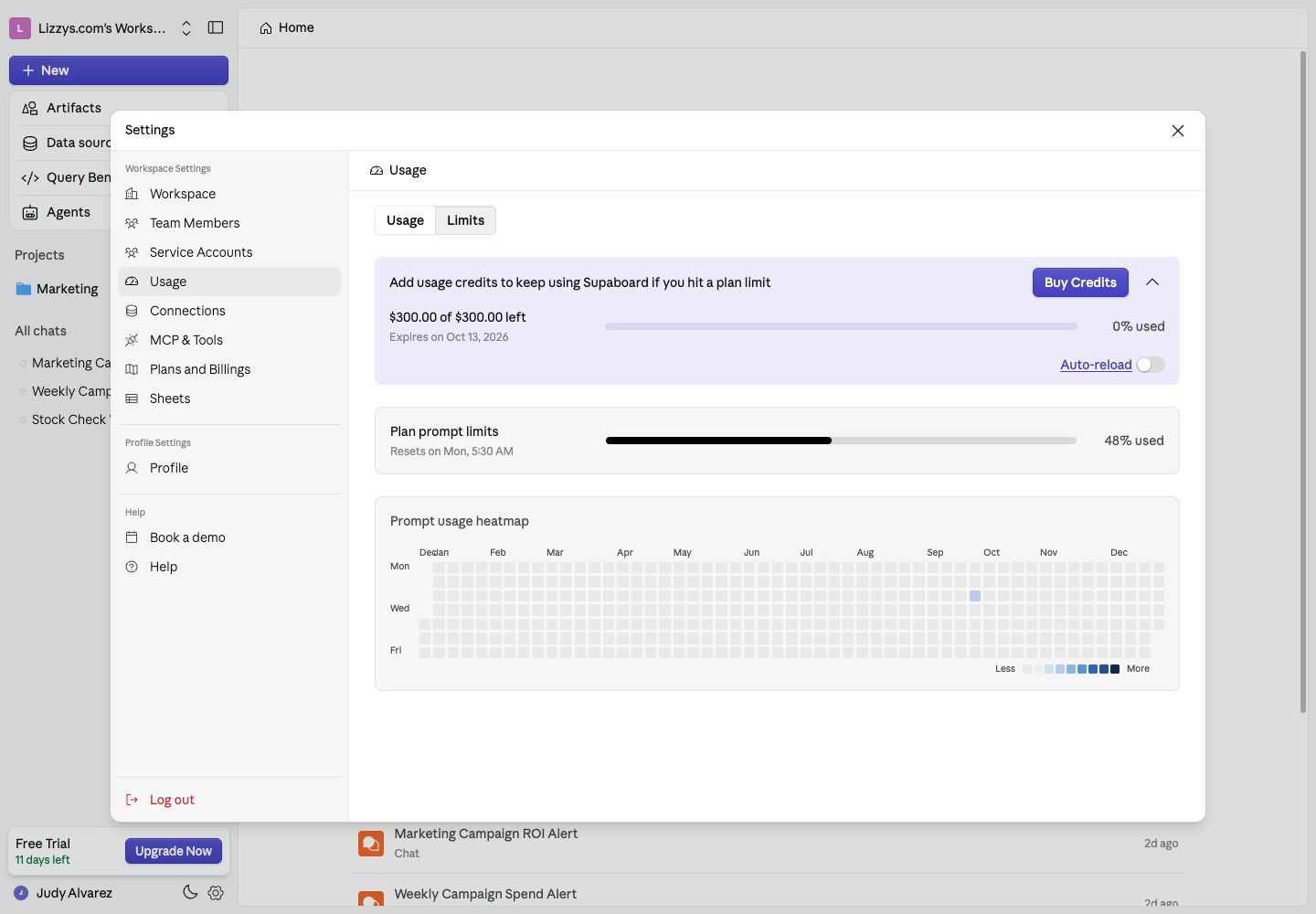
Plan allowance is shown as a percentage; extra credits are shown as a dollar balance. Values here are from an example workspace.